You haven't signed in yet, you can have a better experience after signing in
*Please complete the payment within {{receiveCouponInfo.expire_at}}Previous use*
You haven't signed in yet, you can have a better experience after signing in




Activity Rules
1、Activity time:{{ info.groupon.start_at }} ~ {{ info.groupon.end_at }}。
1、Activity time:cease when sold out。
2、Validity period of the Group Buying:{{ info.groupon.expire_days * 24 }} hours。
3、Number of Group Buying:{{ info.groupon.need_count }}x。
Please Pay Attention
1、Teamwork process: Join/initiate a Group Buying and make a successful payment - Within the validity period, the number of team members meets the activity requirements - Group Buying succeeded!
2、If the number of participants cannot be met within the valid period, the group will fail, and the paid amount will be refunded in the original way.
3、The number of people required and the time of the event may vary among different products. Please pay attention to the rules of the event.

Path Finder - The Number One File Manager for macOS
Unparalleled productivity features
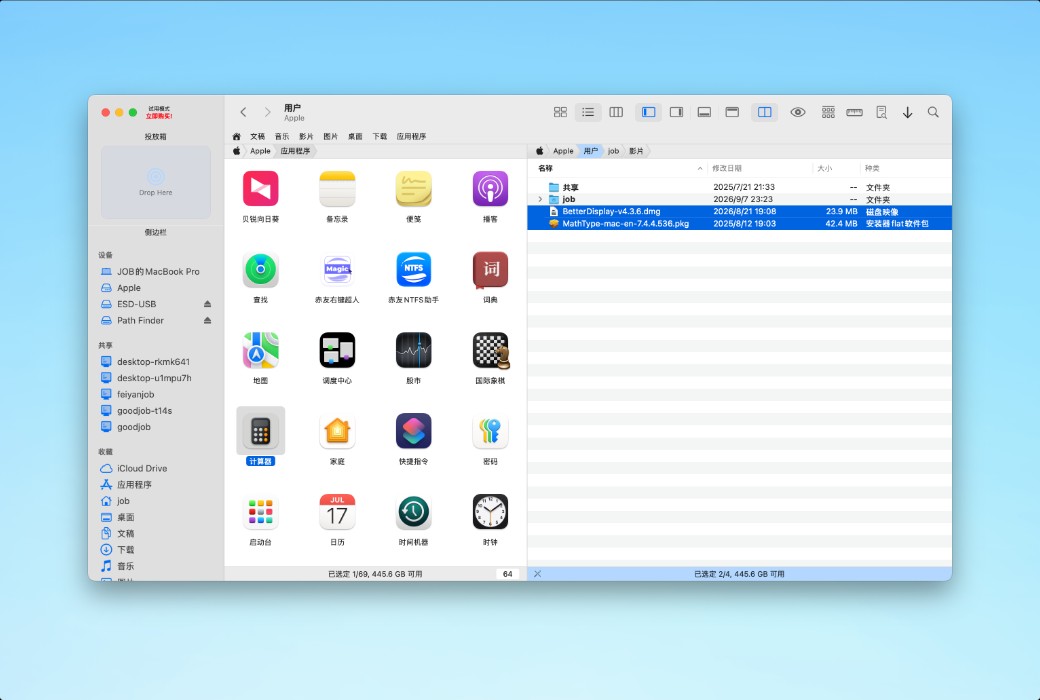
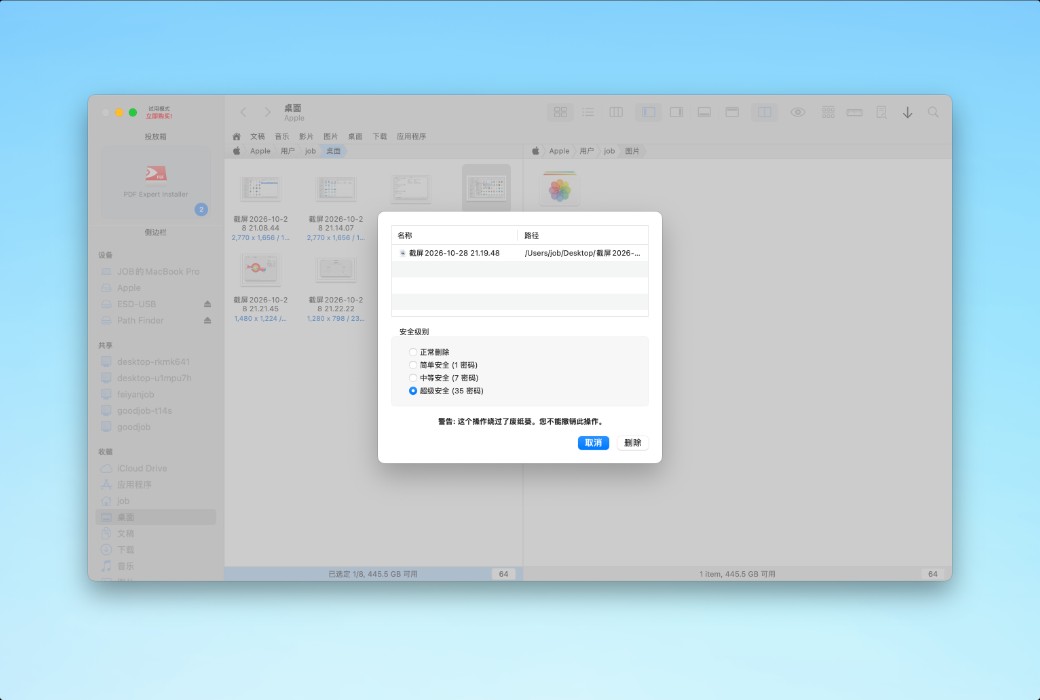
Dual pane browsing
Using a dual pane view, files can be copied from one pane to another with just one click.
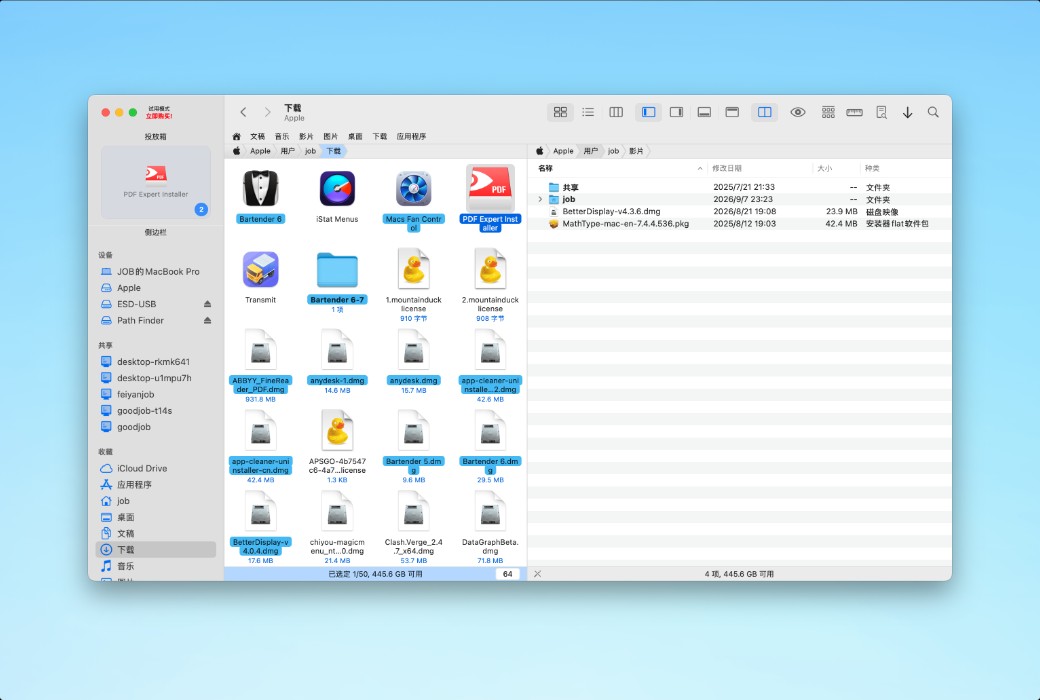
Pull down the stack to copy/move
Path Finder's innovative Drop Stack technology has completely changed copy/move operations on Mac.
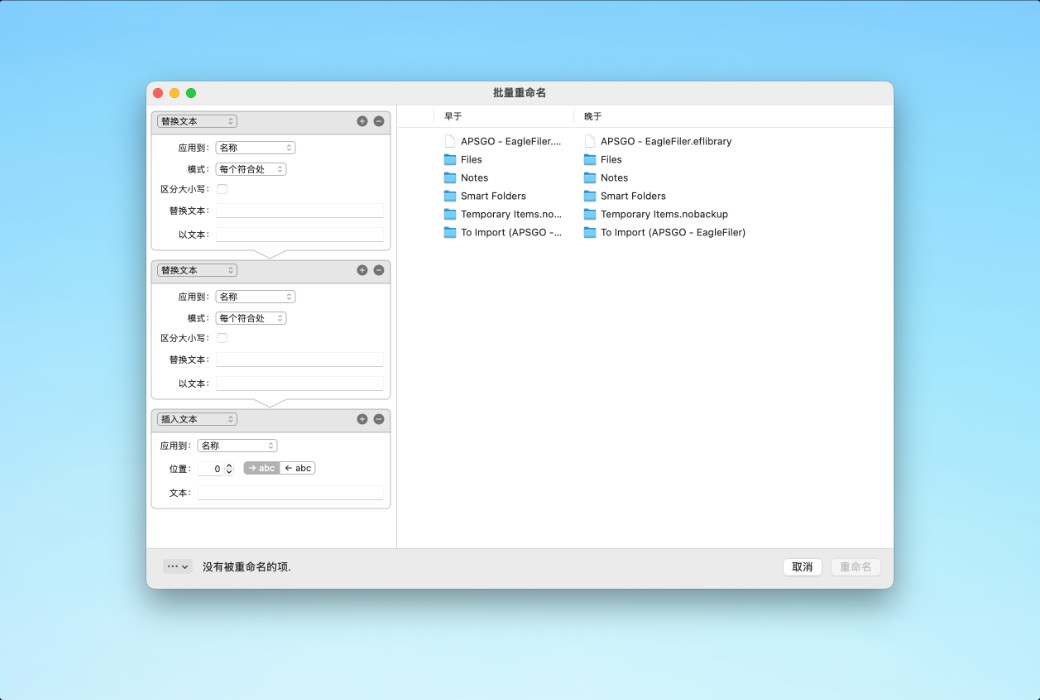
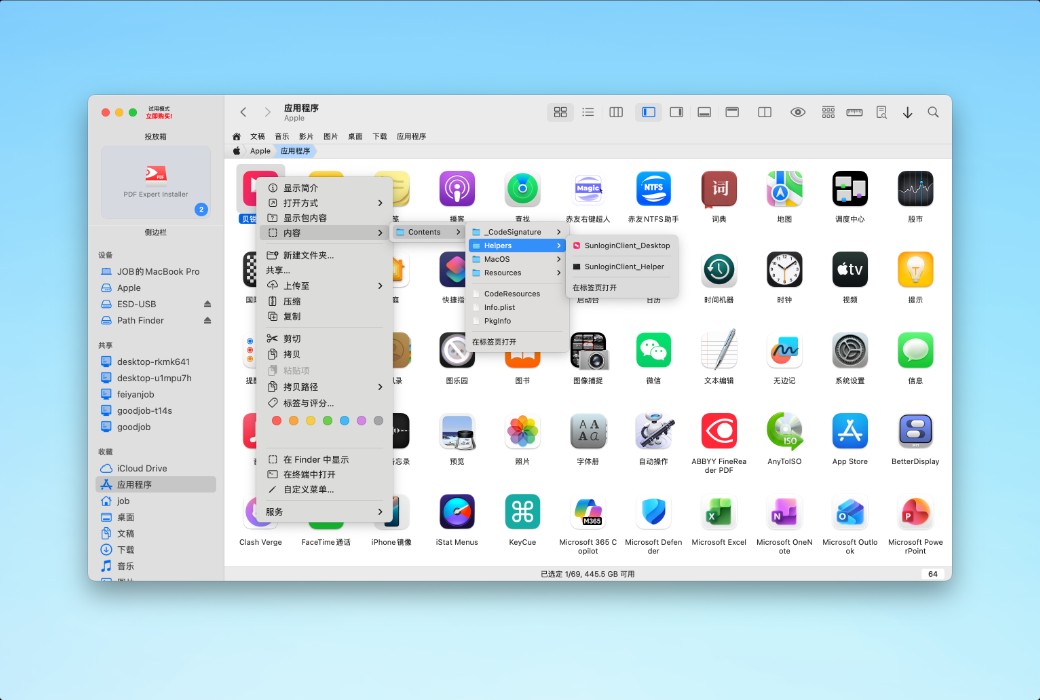
Advanced file and folder operations
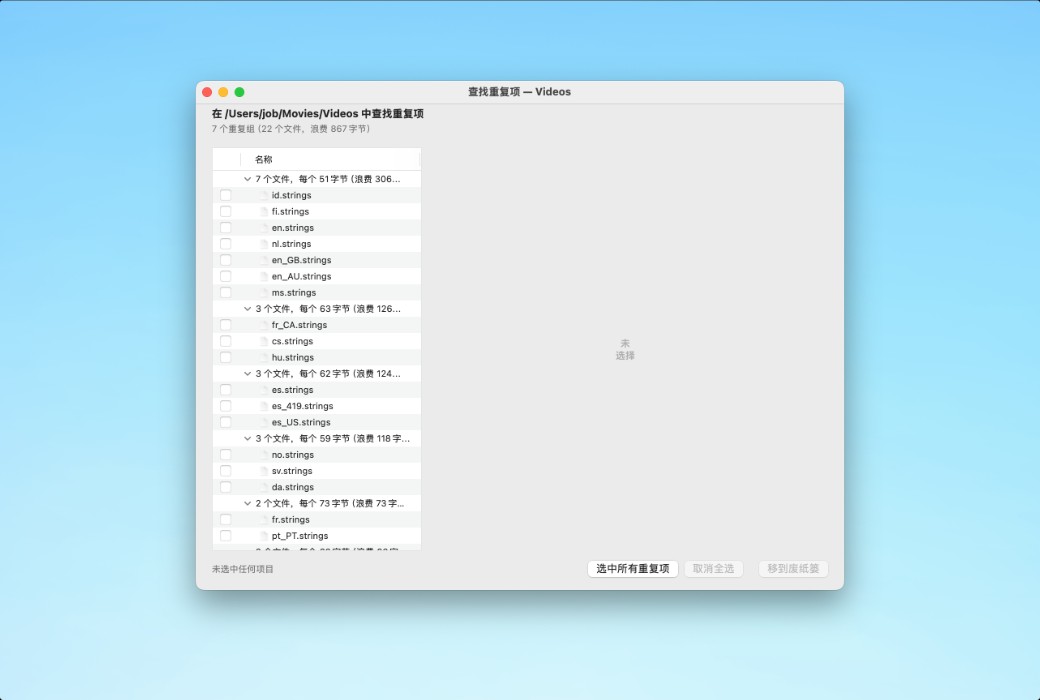
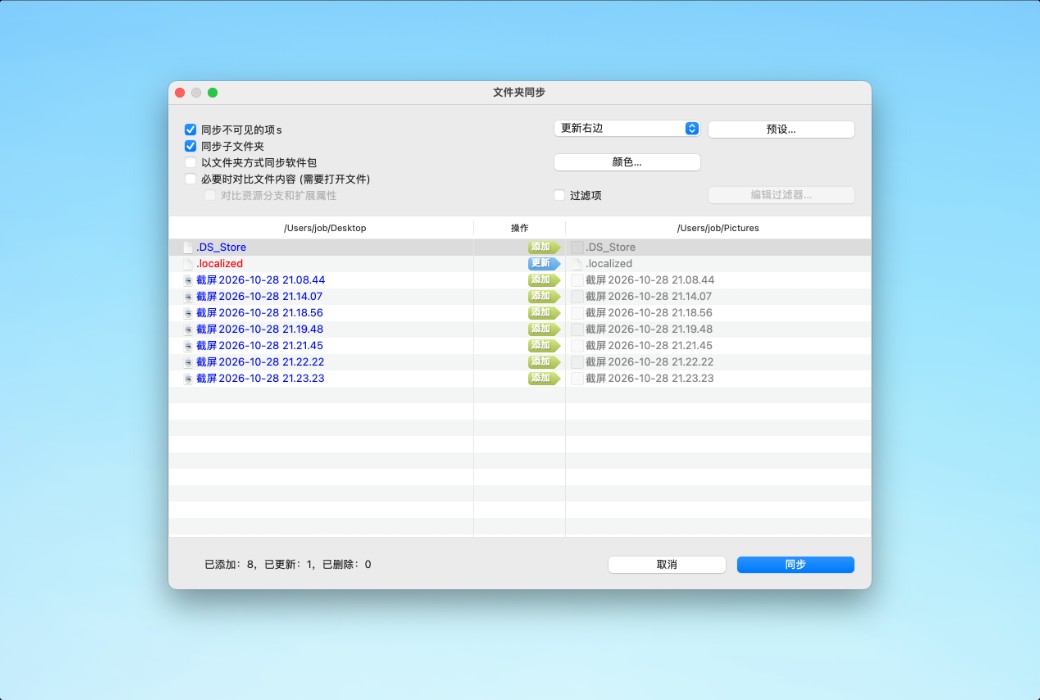
Path Finder provides a large number of advanced file and folder operations:
Browse and search for files like an expert
Easily access commonly used files and folders through bookmarks and tag presets. Type directly in the path navigator to quickly find files. Use the filtering function to quickly find files in the current folder.
Visualization of file animations
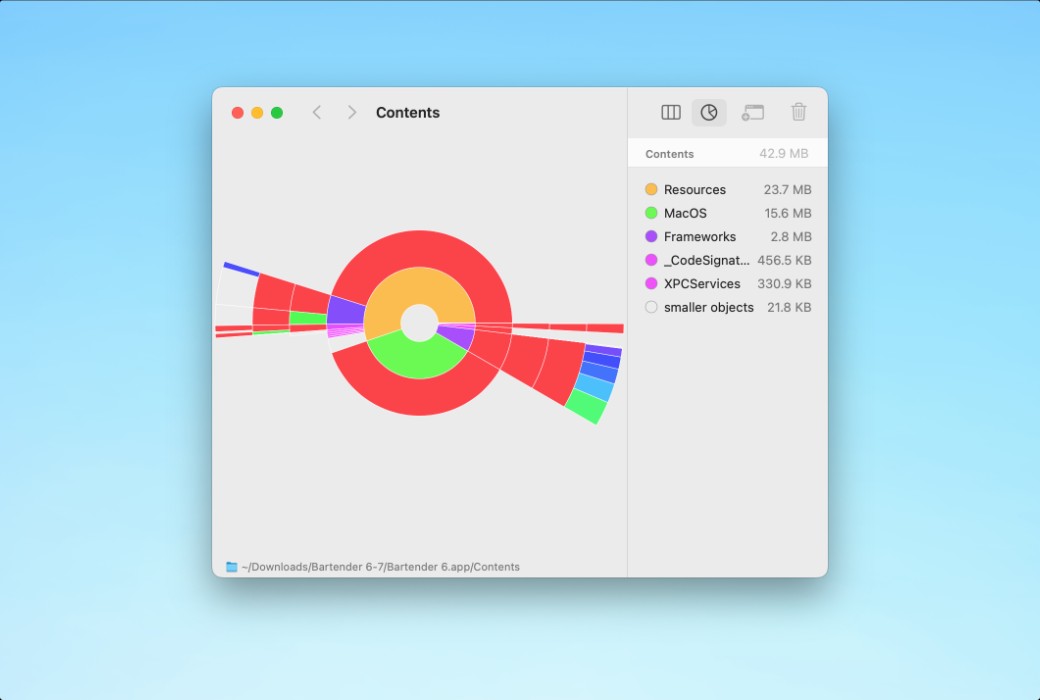
Path Finder's' Size Browser 'allows you to browse selected files and folders by size. In addition, the "Hierarchical Column View" and "Hierarchical Chart View" can provide detailed understanding and visualization of files and folders based on their hierarchy and size.
Why use PATH FINDER?
Path Finder has all the tools needed to control files.
Official website:https://cocoatech.io/
Download Center:https://path-finder.apsgo.cn
Shipping time:24-hour automatic shipping
Operating Platform:macOS
Interface language:Supports Chinese interface display and multiple language options.
Update Description:Lifetime authorization, supports 1-year updates.
Trial before purchase:Free trial is available before purchase.
How to receive goods:After purchase, the activation information will be sent to the email address at the time of placing the order, and the corresponding product activation code can be viewed in the personal center, My Orders.
Number of devices:3 devices.
Replace computer:Cancel the authorization of the original device and reactivate the new device.
Activation guidance:Open the software - Register - Enter the key and email number.
Special note:To be added.
Reference materials:https://cocoatech.io/

Any question

Path FinderIt is a powerful macOS file manager designed to provide you with greater control and flexibility than the system's built-in Finder. It brings together various advanced tools in a highly customizable workspace, helping you work more efficiently and stay organized.
Core Functions
Path Finder helps you achieve:
Target population
Path Finder will be particularly useful if you fall into the following situations:
If macOS native Finder appears to have limited functionality or a cluttered interface in your daily work, Path Finder will provide you with the control and tools you need to create an exclusive workspace that truly fits your work style.